7 Key Insights About Aerion: A Modern Desktop Email Client
If you’ve been managing your emails through browser tabs for years, the idea of switching back to a dedicated desktop app might seem like a step into the past. But after testing dozens of email clients, I stumbled upon a new open-source contender that made me reconsider. Aerion isn’t just another Electron wrapper; it’s a thoughtfully built lightweight client that balances modern features with resource efficiency. Here are seven things you need to know before giving it a try.
1. What Makes Aerion Different From Other Email Clients?
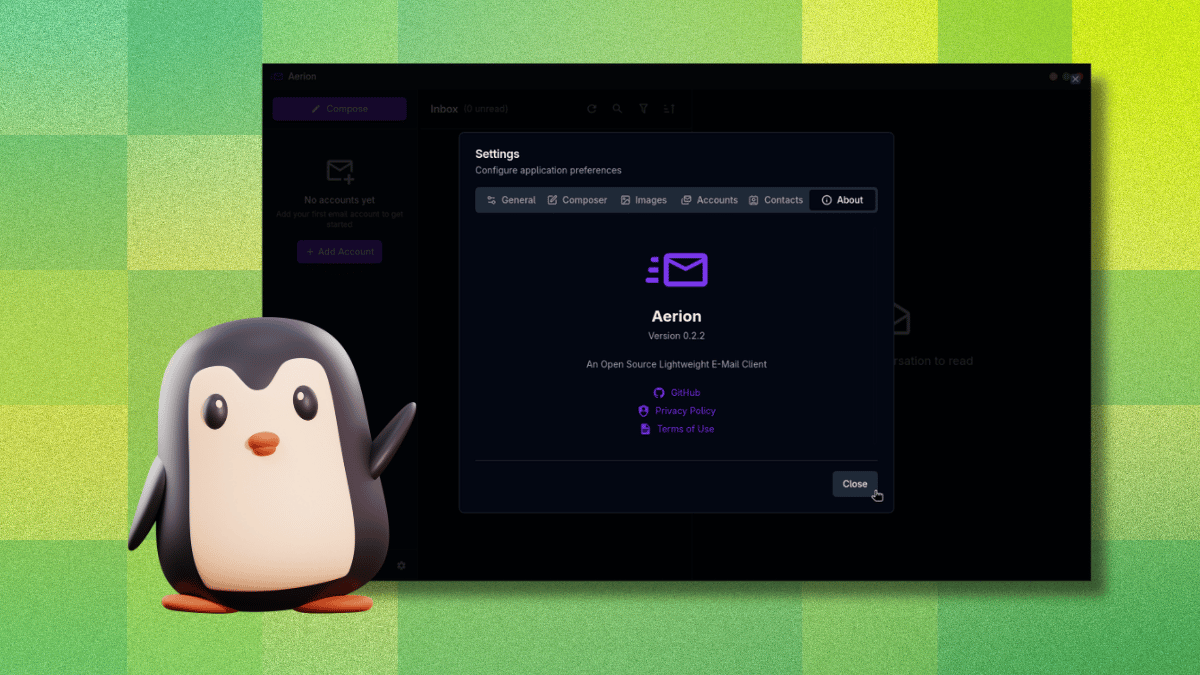
Aerion is an open-source desktop email client maintained by a small team supported by 3DF (covering infrastructure and people costs). Unlike many Linux-native tools, it doesn’t rely on Electron. Instead, it uses Wails and Svelte, resulting in a slim codebase that stays friendly on system resources. The design draws inspiration from GNOME’s Geary, focusing on a clean, uncluttered interface. It’s still in pre-release, so expect occasional rough edges, but the foundation is solid. For anyone tired of heavy, memory-hogging email clients, Aerion offers a fresh perspective—lightweight but modern, with no legacy baggage.
2. Security That’s Independently Verified
One of Aerion’s standout features is its CASA Tier 2 certification, assessed by TAC Security (a Google-authorized assessor under the App Defense Alliance). This means the entire codebase has been scanned and verified against OWASP ASVS standards. For a small indie project handling your email credentials, that’s a huge reassurance. In a world where many open-source apps skip independent security audits, Aerion sets itself apart by prioritizing transparency and trust. You can check the certification details on their website if you’re still skeptical.
3. Essential Features for Power Users
Aerion covers the basics you’d expect from a modern email client, but with a few nice extras:
- Multi-account support – Switch between Gmail, Outlook, and others in one place.
- Conversation threading – Keep related emails grouped.
- WYSIWYG composer – Powered by TipTap for rich formatting.
- Contact synchronization – Via CardDAV, Google, and Microsoft.
- Multiple color themes – Customize the look to your liking.
- Keyboard navigation – Vim-style shortcuts for quick actions.
4. Supported Email Providers (With Caveats)
You can link Aerion to Gmail, Microsoft 365/Outlook, Proton Mail (requires the paywalled Proton Bridge), iCloud Mail, GMX Mail, and any generic IMAP/SMTP setup. The developers also list Yahoo, Fastmail, Zoho Mail, AOL Mail, and Mail.com, but mark these as untested as of this writing. So if you rely on one of those, you might hit a snag. The good news is that the core integrations work smoothly, especially Gmail and Outlook, which use OAuth for secure authentication.

5. Setting Up Gmail: Smooth but Tricky
Adding a Gmail account is straightforward: Aerion opens your browser for the OAuth flow, you approve permissions, and you’re back in the app—authenticated. However, there’s a nasty catch: if you accidentally click outside the “Add Email Account” window while it’s open, the entire process closes without warning, discarding all progress. No confirmation, no popup—it simply vanishes. So be careful to keep that window in focus. Once inside, fetching your mail is fast, and the interface remains responsive.
6. Pre-Release Software: Expect Some Roughness
Aerion is still in pre-release, meaning not everything will be perfect. Crashes, missing features, or sync oddities can happen. The developers are active and responsive, but if you rely on email for critical business, you might want to wait for a stable version. That said, the core experience is surprisingly polished for a pre-release app. The lightweight nature means it doesn’t hog your CPU, and the interface is refreshingly simple. Just keep a backup web client handy if you run into issues.
7. Why You Should Give It a Try
If you’ve been stuck with Thunderbird or web apps, Aerion is worth a spin. It’s faster than most Electron-based clients, more secure than many open-source alternatives thanks to its CASA certification, and offers a clean, modern UI. The vim-style shortcuts will delight keyboard enthusiasts. Even though it’s early days, the potential is clear. Just watch out for that window-focus issue. Overall, Aerion proves that desktop email clients aren’t dead—they just needed a fresh, lightweight makeover.
Final thought: Don’t let the pre-release label scare you. Aerion brings genuine innovation to the email client space, especially on Linux. If you value speed, security, and simplicity, this app might become your new inbox home.